




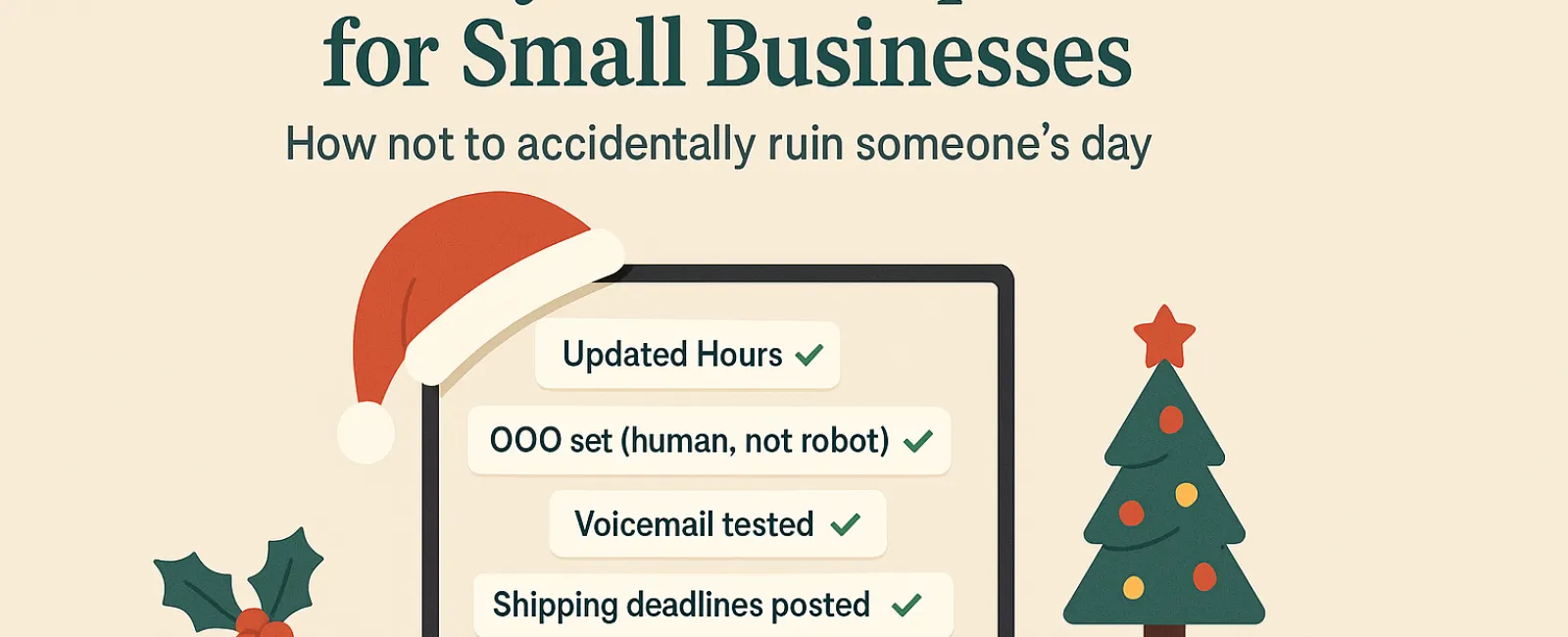
Holiday seasons bring enough pressure without technology failing you. Your customers are racing to finish last-minute tasks, staff are balancing family obligations, and everyone's stress levels are sky-high. The worst scenario? Tech mishaps that could have been avoided, leading to frustrated clients.
Consider this your essential Holiday Tech Etiquette Playbook—because no business wants to be remembered as the one that spoiled someone's day.
1. Update Your Business Hours Online to Prevent Customer Frustration
Imagine a customer dashing across town during their break, relying on Google to find you open, only to discover a dark, locked storefront. That misstep is how villains in customer stories are born.
Be sure to update:
- Your Google Business Profile—the most important one
- Your Facebook, Instagram, Yelp profiles and anywhere else customers look for you
- Your website banner featuring your holiday hours in a friendly tone
- Apple Maps—don't underestimate its users
Example message: "Happy Holidays! We'll be closed from Thursday, Nov. 28 through Sunday, Dec. 1 to enjoy time with loved ones. We'll resume normal hours Monday morning, probably a bit groggy but ready to assist!"
2. Craft Warm, Personalized Out-Of-Office Replies
If you're stepping away, don't leave your customers stuck waiting in email limbo. A well-written auto-reply is like a courteous greeter—professional yet personable.
Suggested out-of-office message: "Thank you for contacting us! Our office will be closed for Thanksgiving from Nov. 28 to Dec. 1. We'll respond promptly once we return and are caffeinated. For urgent matters, please call our support line at (XXX) XXX-XXXX. Wishing you a joyous holiday season!"
3. Keep Out-Of-Office Messages Concise and Professional
Customers don't need a detailed travel itinerary— skip the specifics about Aunt Carol in Denver, the office manager's trip to Cancún, or Bob's "Friendsgiving" plans.
Oversharing not only feels unprofessional but may also pose security risks. Stick to essential details like dates, response schedules, and alternative contacts. Save your stories for your social channels.
4. Confirm Your Phone Systems Are Up-to-Date Before The Rush
Holiday callers usually have limited time and patience. Ensure your voicemail greeting accurately reflects your current hours and doesn't mislead callers.
Pro tip: Call your own business number. You might be surprised how many greetings haven't been updated since 2019.
Example voicemail: "Thank you for calling [Business Name]. Our office is currently closed for the holiday weekend. Please leave a message and we'll get back to you by Monday morning. For urgent assistance, press 1 to connect with our on-call team. Happy Holidays and thank you for your patience!"
5. Clearly Communicate Shipping Deadlines Early to Avoid Last-Minute Panic
If your business handles shipments or deliveries, make sure your "order by" dates are prominently displayed online and remind customers via email.
Late deliveries cause frustration, but unmet expectations can damage relationships. No one wants to explain why the anniversary gift arrives late.
The Takeaway: Thoughtful Tech Etiquette Drives Customer Satisfaction and Success
Holiday technology manners are straightforward—set transparent expectations, communicate with warmth, and respect your customers' time. Small preparations can prevent headaches and keep your brand shining bright this season.
Remember, the aim isn't just to avert problems, but to make your customers feel genuinely cared for, even when you're away.
Need support ensuring your systems and customer experience stay flawless throughout the holidays? Reach out at 720-449-3379 or click here to book your free 15-Minute Discovery Call. Let's explore effortless ways to keep your operations smooth while you enjoy some well-earned downtime.


