




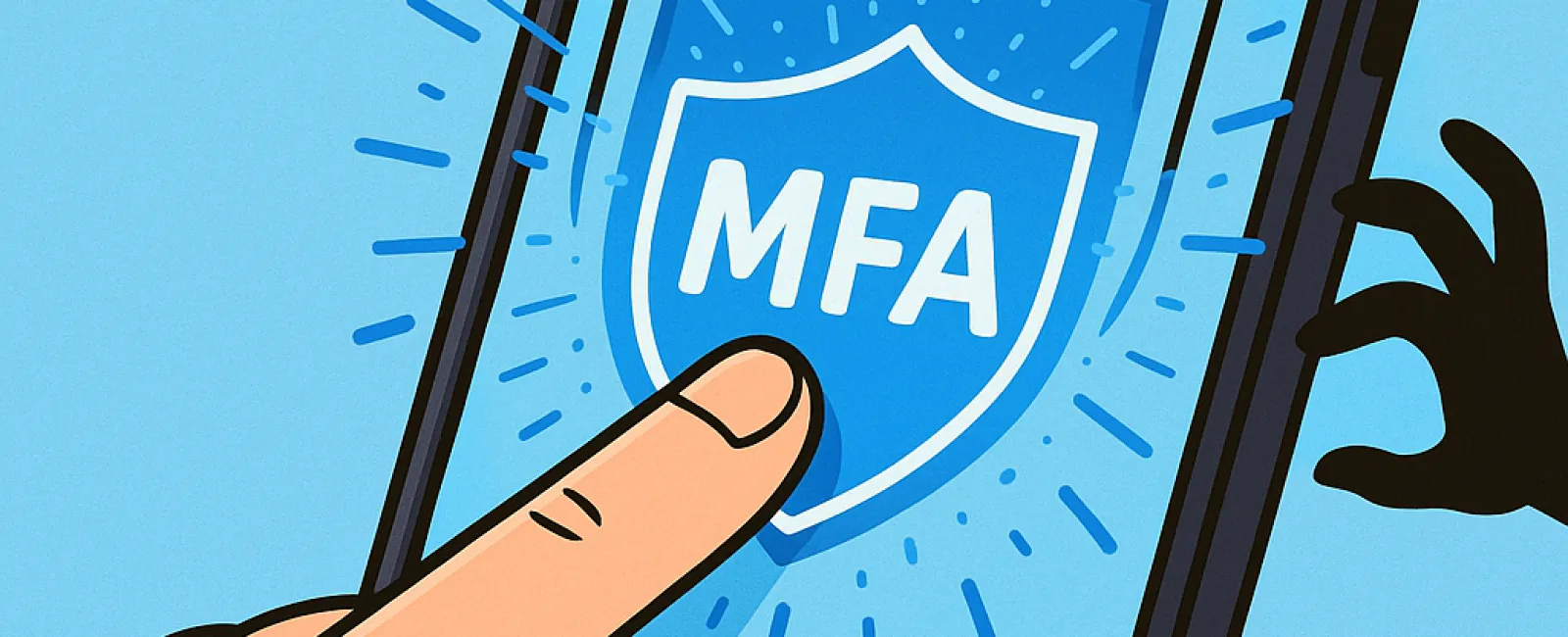
Just as you wouldn't drive without buckling your seat belt or leave your office unlocked overnight, you shouldn't browse the web without multifactor authentication (MFA) protecting your accounts.
MFA acts as a crucial second barrier on your digital security door. Instead of depending solely on passwords—which are vulnerable to theft, guesses, or phishing attacks—it adds an extra layer like a text message code, authentication app prompt, or fingerprint scan. Even if your password falls into the wrong hands, without this additional authentication, hackers are effectively blocked.
A Simple Step with Massive Impact
Think of your password as locking your front door at night, and using MFA as activating your home security system. While not absolutely mandatory, MFA provides peace of mind by ensuring your safety even if one defense fails.
In essence, MFA requires a quick extra action to verify your identity during login. Known by various terms like "two-step verification," "two-factor authentication," or "one-time password," they all mean the same: multiple checks to confirm who you are before granting access to sensitive information.
MFA can take many forms: verification emails when creating accounts, responding to security questions at banks, entering text codes, approving push notifications, or answering phone calls. Most require just a single tap or code entry.
Real Situations Where MFA Protects You
While MFA is a quick and easy step for you—clicking a button or entering a code—it complicates things significantly for hackers. If someone attempts unauthorized access, MFA immediately sends you an alert or code request, notifying you of any breach and giving you time to secure your account. This crucial alert can prevent your data from being stolen.
Moreover, MFA thwarts hackers trying to invade your system even if they've tricked employees into revealing passwords. In fact, Microsoft's research shows that enabling MFA cuts account compromise risks by more than 99.2%, and up to 99.99% for accounts with MFA active.
Where to Enable MFA and How to Get Started
Prioritize activating MFA on these critical platforms:
- Banking and financial apps
- Email and cloud storage services
- Social media accounts
- Work-related logins, especially those that hold client or proprietary data
Activating MFA is typically straightforward. Many popular platforms have built-in options—just choose the method that fits best into your daily routine. Utilizing an authenticator app can greatly enhance security for your team's logins.
Simply put, MFA is a fast, cost-free solution that blocks most hacking attempts. Investing a few minutes in setting it up today can save you from extensive damage control and data loss far into the future.
The easiest way to implement MFA is by reaching out to your IT provider. A skilled Managed Service Provider (MSP) can make the setup seamless. Need cybersecurity expertise? Click here or call us now at 720-449-3379 to schedule a 15-Minute Discovery Call with our team.


