




Imagine you're three hours into a long five-hour drive to visit family for the holidays. Your daughter turns to you and asks, "Can I play Roblox on your laptop?" Your work laptop — the one filled with sensitive client documents, financial records, and full access to your business. After the stress of packing and with three more hours ahead, entertaining her sounds tempting. But is it really safe?
The truth is, holiday travel introduces unique security risks you don't encounter in daily life. Fatigue, distractions, connecting to unfamiliar WiFi networks, and blending family time with quick work check-ins create vulnerabilities. Whether your trip is for business, pleasure, or a bit of both, here's how to safeguard your data without putting a damper on the festivities.
Pre-Trip Essentials: Your 15-Minute Security Checklist
Spend just 15 minutes before you hit the road to get everything locked down:
Device Must-Dos:
- Install all pending security and software updates
- Back up critical files securely to the cloud
- Set your device to auto-lock after no more than two minutes
- Enable "Find My Device" features on laptops and phones
- Charge your portable power bank fully
- Pack your personal charging cables and adapters
Family Tech Guidelines:
- Clearly explain which devices are for kids and which are off-limits
- Bring a dedicated family tablet or secondary device for entertainment
- Create separate user accounts with limited permissions if kids need to use your laptop
Expert tip: Consider bringing a standalone tablet that isn't linked to your work accounts for your kids. Investing a little in a $150 device now could save you from a costly data breach later.
Hotel WiFi: Navigating the Most Common Pitfalls
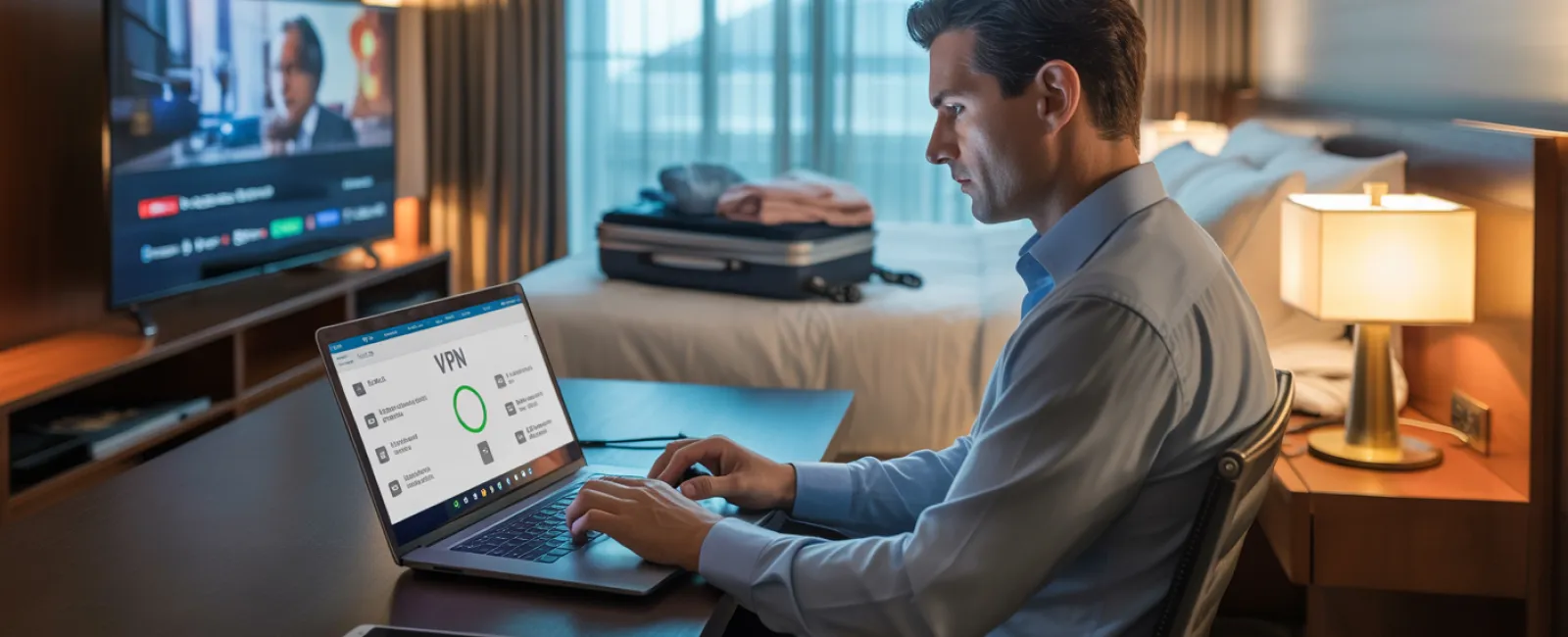
Upon arrival, everyone quickly connects to the hotel's WiFi—phones, tablets, laptops, gaming consoles. Your teen streams Netflix, your partner checks emails, and you scramble to finalize that important proposal for tomorrow.
Here's the catch: Hotel WiFi is a shared network used by hundreds of guests, some of whom may have malicious intent.
True story: A family unknowingly connected to a fake WiFi network spoofing the hotel's name parked outside. Over two days, every online action—passwords, credit card transactions, emails—was intercepted.
How to protect yourself:
- Double-check the WiFi network name: Always ask the front desk for the exact network name; never guess.
- Use VPN for work-related access: A VPN encrypts your connection, securing emails and company files.
- Prefer your phone's hotspot for sensitive tasks: Conduct banking or access confidential data via your mobile network rather than hotel WiFi.
- Separate work and leisure: Let kids stream cartoons on hotel WiFi, but keep critical work tasks on your personal hotspot.
Managing The "Can I Use Your Laptop?" Dilemma
Your work laptop houses everything important—emails, financial info, client data, and proprietary business systems. When your kids want to play games or watch videos, this becomes a security headache.
Why it matters: Kids can unintentionally download malware, click on risky links, share stored passwords, or forget to log out. These innocent actions pose real security threats on work devices.
Practical steps to safeguard:
Say no to sharing work devices: Politely but firmly reserve your laptop for business only and offer an alternative device for their entertainment.
If sharing is unavoidable:
- Set up a separate, restricted user account
- Monitor their activity closely
- Prevent any downloads or installations
- Don't save passwords they enter
- Clear browsing history immediately after use
Better solution: Bring along a travel-only device dedicated to family use — even an older tablet or laptop without work account access will fit the bill.
Streaming Content on Hotel TVs? Don't Forget to Log Out
Your family wants a movie night using Netflix on the hotel's smart TV. You log in, but forget to sign out before checking out.
The risk: The next guest gains access to your account—and if you reuse passwords (please don't!), they could infiltrate other personal accounts.
How to avoid this trap:
- Use your own device and cast streaming content to the TV for added security
- If you must log in on the TV, set a reminder on your phone to log out before checkout
- Even better: Pre-download your favorite shows on personal devices to bypass hotel TVs entirely
Never log into these on shared hotel TVs:
- Banking apps
- Work email or business platforms
- Social media accounts
- Any service with stored payment details
Lost a Device? Here's Your Immediate Action Plan
Holiday travel can be hectic—devices get left behind in unexpected places. If your device goes missing:
Within the first hour:
- Activate "Find My Device" to track its location.
- If recovery isn't immediate, remotely lock the device.
- Change passwords for all critical accounts using another device.
- Contact your IT support or managed service provider to revoke access.
- If sensitive data was stored, notify impacted clients or parties.
Before you travel, ensure your device includes:
- Remote tracking capabilities
- Strong password or biometric security
- Automatic encryption for stored data
- Remote wipe functionality
If a family member loses a device, follow the same precautions: remote lock, password changes, and tracking.
Avoid the Rental Car Bluetooth Data Leak
When you connect your phone to a rental car's Bluetooth to play music or use GPS, the vehicle can save your contacts, recent calls, and even text previews.
Sadly, this data often remains accessible to future drivers after you return the car.
Quick 30-second cleanup before handing the car back:
- Remove your phone from the car's Bluetooth paired devices list.
- Clear GPS history and destination logs.
- Or better yet, use an AUX cable or refrain from connecting your phone at all.
Balancing Work and Vacation Without Sacrificing Security
You promised quality family time but find yourself checking emails nearly 50 times, taking calls, and working late while others enjoy activities.
Mixing work and vacation is more than distracting—it can loosen your security vigilance, increasing your risk of mistakes or unsafe connections.
Keep it manageable with clear boundaries:
- Schedule work email checks to two specific times per day.
- Always use your phone's hotspot for work tasks rather than public or hotel WiFi.
- Work privately in your hotel room, avoiding public areas where screens can be viewed.
- Focus fully on family time during non-work periods.
The best strategy? Taking real time off. Your business will survive a week without you, and you'll return alert and less prone to risky mistakes.
The Holiday Security Mindset You Need
Let's be honest—juggling work and family on holiday is complicated. Sometimes your child may genuinely need your laptop, and urgent emails can't wait. Life happens.
The goal isn't perfection—it's making smart choices about risk:
- Prepare your devices thoroughly before traveling.
- Identify which online activities pose danger (like banking over public WiFi) and which are safer (checking work email via hotspot).
- Keep work data separate from family use wherever feasible.
- Have a clear response plan if a device or data is compromised.
- Know when to enforce "Not on this device" and stick to it.
Make This Holiday Season Secure and Stress-Free
The holidays should be about cherished moments—not the fallout from a data breach or explaining security lapses to your clients.
With a little preparation and simple ground rules, you can keep your business safe while letting the family enjoy their vacation. It's a win-win for everyone.
Need help crafting travel security policies for your team and yourself? Click here or call us at 720-449-3379 to schedule your free 15-Minute Discovery Call. We'll design practical, effective protocols that secure your business without complicating your travels.
Because your best holiday memory shouldn't be, "Remember when Dad's laptop got hacked?"


