




Spring cleaning often begins in closets, yet in most businesses, the true clutter lies beyond just a rack.
It might be on a server rack, but also hidden away in storage rooms, back offices, or piled up under labels like "we'll address this later."
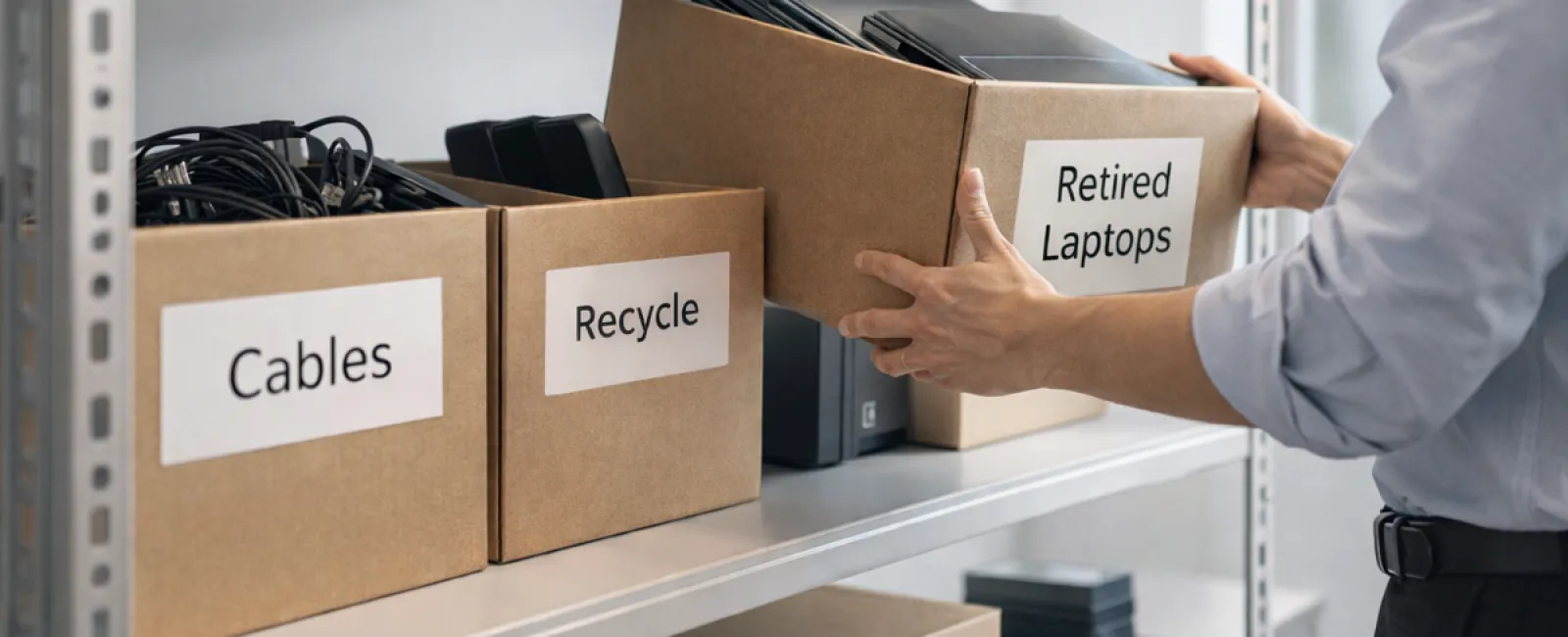
Outdated laptops. Decommissioned printers. Backup drives from several upgrades ago. Boxes of cables kept "just in case."
Every company accumulates these items over time.
The real question isn't if you have this clutter, but whether you have a strategic plan for managing it.
The Lifecycle of Technology Extends Beyond the Purchase Date
When investing in new technology, there's usually a clear motivation: faster performance, enhanced security, greater capabilities, or scalability.
While most businesses plan their technology purchases carefully, few develop a plan to effectively retire their equipment.
Technology retirement often happens quietly — devices get replaced and stored away, only to be forgotten until space forces attention.
This is common.
What's rare is treating the retirement process with the same care as acquisition.
Outdated tech still holds value — whether as reusable assets, recyclable materials, or data repositories. Left unmanaged, it can clutter operations and waste resources.
Spring is a perfect time to evaluate: which assets serve us, and which only consume space?
An Effective Strategy to Declutter Your Technology
Transform this discussion from "we should" to "we will" by following our straightforward four-step method.
Step 1: Take Inventory
Identify what equipment you're retiring: laptops, phones, printers, network devices, or external drives. Managing starts with knowing what you have; a quick inspection can uncover surprising amounts.
Step 2: Choose the Right Path
Devices generally fall into three outcomes: reuse (internally or via donation), recycle (with certified e-waste handlers), or destruction (when data security demands it). Deliberate decisions prevent hardware from languishing indefinitely.
Step 3: Prepare Devices Securely
Proper preparation is critical. For reuse or donation, remove devices from management systems, revoke user access, and securely wipe data — beyond a factory reset.
Simple file deletion or quick formatting does not erase data; it only removes its location reference.
Research by Blancco revealed 42% of resold drives on eBay contained sensitive info despite sellers' claims of erasure. Certified tools fully overwrite data and provide verification reports.
If recycling, engage certified e-waste providers—not local dumpsters or curbside pickups. Notably, Best Buy's program serves households, not businesses.
Business equipment requires certified IT asset disposition (ITAD) services or business-grade recyclers with e-Stewards or R2 certification, searchable at e-stewards.org and sustainableelectronics.org. Your IT partner can assist.
For destruction, opt for certified data wiping or physical methods like shredding or degaussing, maintaining records of device serials, methods, dates, and handlers.
This process is about responsible closure, not paranoia.
Step 4: Document the Process
Track where equipment goes, how it was processed, and confirm data access removal. Proper documentation eliminates uncertainties.
Devices Often Overlooked During Retirement
Laptops get attention, but other devices frequently slip under the radar.
Phones and tablets may harbor email, contacts, and authentication apps. While factory resets help, certified mobile wipe tools provide deeper security. Major brands offer trade-in credits even for older models.
Modern printers and copiers often contain internal drives storing every printed, scanned, copied, or faxed document. When returning leased machines, secure written confirmation of drive wiping or removal before redeployment.
Batteries are classified as hazardous waste. In states like California, New York, and Minnesota, throwing rechargeable batteries in business trash is illegal. Remove batteries, tape terminals to prevent shorts, and drop them at certified recycling points. Call2Recycle.org offers location maps; Staples, Home Depot, and Lowe's accept rechargeable batteries.
External drives and retired servers often linger unused. They require the same careful retirement as other assets.
Recycling Electronics Responsibly
April's Earth Day reminds us of the importance of proper electronics disposal.
Over 62 million metric tons of e-waste are generated globally each year, yet just 22% is recycled correctly. Components such as batteries, monitors, and circuit boards belong in certified recycling streams, widely available via community programs.
Proper retirement of technology is operationally efficient, environmentally conscious, and strategically wise. Responsible disposal and security go hand in hand.
This effort also enhances your brand's reputation; customers notice when businesses manage technology responsibly without fanfare.
Unlocking Greater Potential
Spring cleaning isn't just about eliminating clutter—it's about creating room for progress.
Clearing obsolete equipment is just one step. Take this opportunity to evaluate whether your technology truly supports your business goals.
While hardware changes, it's the software, systems, automation, and workflows that drive productivity and profitability today.
Properly retiring old equipment is good housekeeping, but aligning your technology with strategic goals propels your business forward.
How We Support You
If you already have a clear equipment retirement process, that's ideal—it should feel straightforward and routine.
As you plan your hardware refresh, consider the bigger picture: Are your systems optimized? Do your tools integrate effectively? Is your technology driving growth or simply maintaining status quo?
If you're interested in reviewing how your technology ecosystem supports productivity and profitability, we're here to help.
No equipment inventory. No pressure. Just an honest conversation about leveraging technology to enhance your business.
Click here or give us a call at 720-449-3379 to schedule your free 15-Minute Discovery Call.
If this insight benefits another business owner, please share it.
Remember, spring cleaning is more than closets—it's about refining the systems powering your business.


